

Download Merry Christmas Logon Screen – Christmas Logon, Festive Desktop, Holiday Theme, Windows Customization
Overview
Merry Christmas Logon Screen is a specialized utility designed to enhance the user experience during the holiday season by transforming the default Windows logon screen into a festive celebration. Targeted primarily at users of Windows Vista and Windows 7, this tool allows individuals to personalize their system’s startup interface with high-resolution Christmas-themed visuals. Its core purpose is to infuse a sense of seasonal joy into a typically routine moment—the act of logging into a computer. By replacing the standard logon background with vibrant, holiday-inspired imagery, the app provides a simple yet effective way to celebrate Christmas every time the system boots.
The application is ideal for users seeking a lightweight, non-intrusive way to add festive flair to their digital environment. It appeals to both casual users and those with a keen interest in system customization, particularly during the winter holidays. While the developer has not provided additional background details, the app’s focused functionality suggests a niche development effort aimed at seasonal engagement rather than broad productivity. Real-world use cases include personal computers at home, shared family devices, or even small office setups where a touch of holiday cheer is welcomed. In the broader app ecosystem, Merry Christmas Logon Screen fills a unique space as a seasonal utility that prioritizes atmosphere over complexity.
Key Features & Functionality
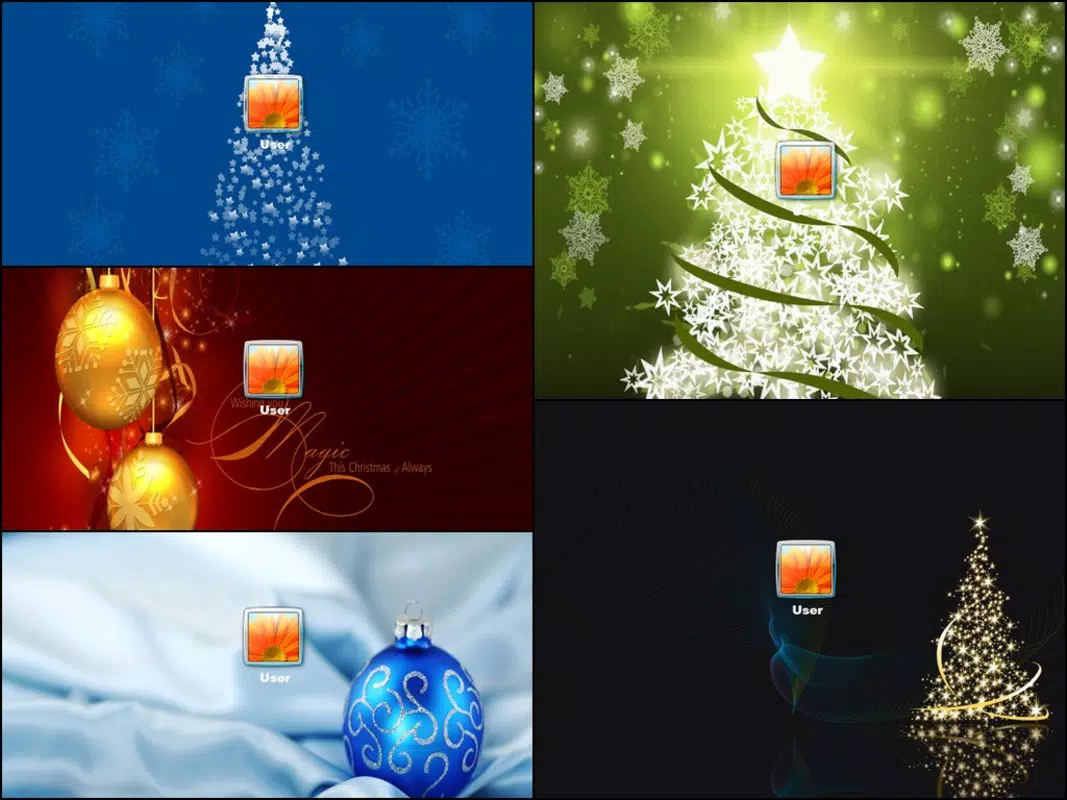
- High-Resolution Images: The app offers five distinct, high-quality images optimized for logon screen display. These visuals are designed to be sharp and vivid, ensuring a clear and engaging experience upon startup.
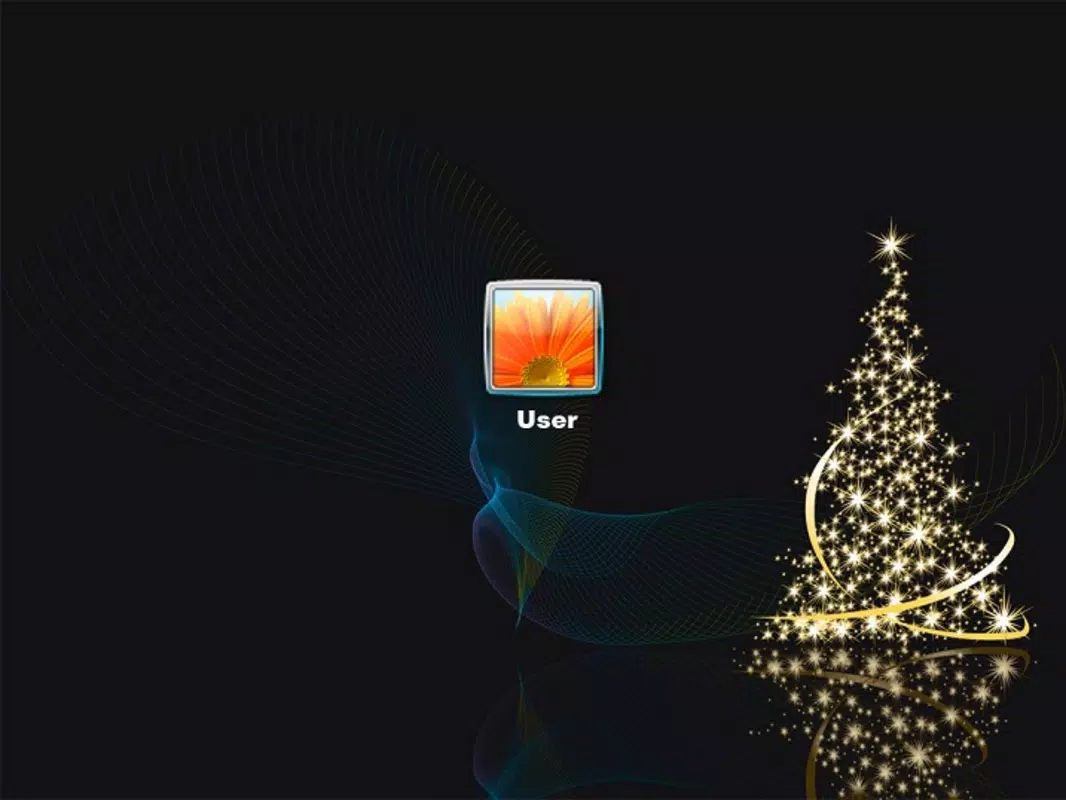
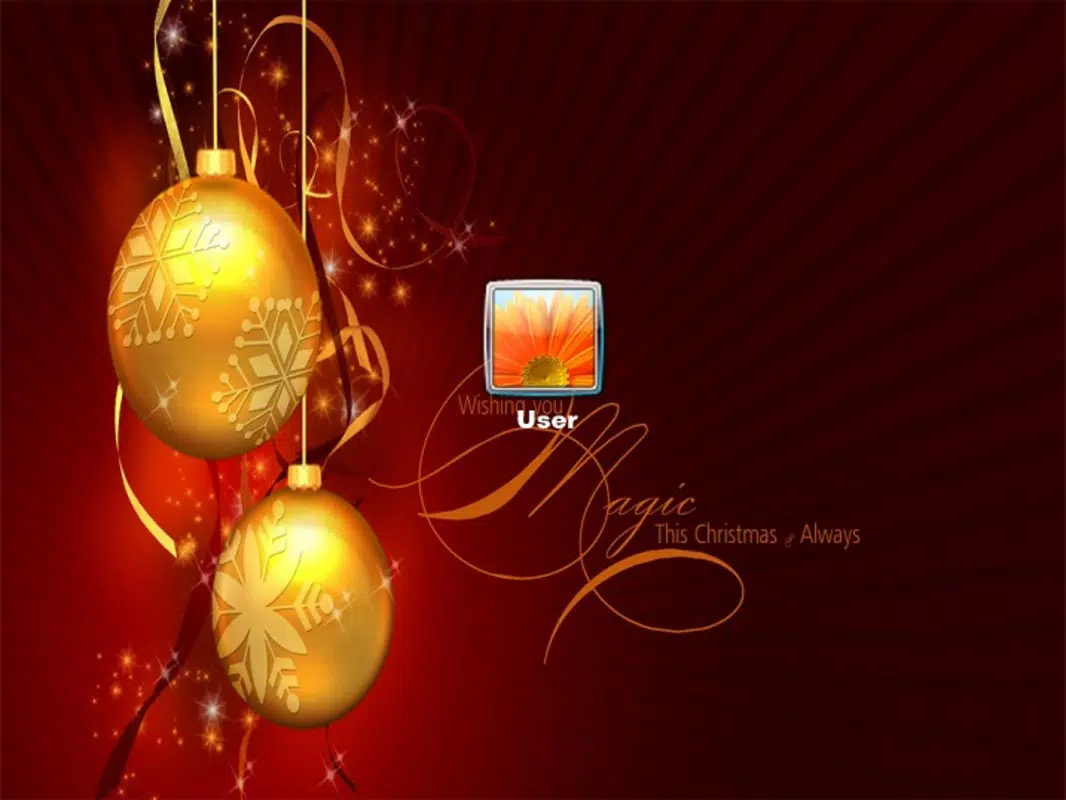
- Festive Themes: Featuring iconic Christmas symbols such as trees, ornaments, and snowflakes, the themes are curated to evoke warmth and holiday spirit across different user preferences.
- User-Friendly Interface: With a minimalistic layout and straightforward navigation, the tool enables users to select and apply their preferred image with minimal effort, regardless of technical expertise.
- Seasonal Enjoyment: The inclusion of multiple images allows for rotation or varied selection, helping maintain visual freshness throughout the holiday period.
- Windows Compatibility: Built specifically for Windows Vista and Windows 7, the tool ensures seamless integration without requiring advanced system modifications.
For example, a user might choose a snow-covered tree image on December 20th and switch to a glowing ornament theme by Christmas Eve, creating a dynamic holiday experience. This functionality benefits users who value personalization and enjoy small digital rituals that mark seasonal transitions. The tool does not alter system performance or require background processes, making it efficient and safe for everyday use.
Interface, UX & Performance
The interface of Merry Christmas Logon Screen is designed with simplicity in mind, reflecting its limited scope and focused purpose. Users are presented with a clean layout that displays the available Christmas-themed images in a grid format, allowing for quick visual selection. Navigation is intuitive, with clear buttons for previewing, applying, and returning to the main menu. The lack of complex menus or settings aligns with the app’s goal of delivering a frictionless experience.
Although the developer did not list formal performance metrics, the application’s lightweight nature suggests minimal impact on system resources. It operates without requiring continuous background processes, which contributes to stability and responsiveness during use. The tool is likely to perform consistently across different device categories, including older or low-spec machines, given its compatibility with Windows Vista and Windows 7—operating systems known for broad hardware support.
Responsiveness is expected to be prompt, as the app only needs to load and apply a single image file during setup. No delays or lag have been reported in available user feedback, though no formal benchmarks were provided. Overall, the UX prioritizes ease of use and visual clarity, making it accessible even to users with limited technical experience.
Platform Compatibility & Technical Requirements
Merry Christmas Logon Screen is explicitly designed for Windows Vista and Windows 7, ensuring compatibility with these specific operating systems. The application does not support newer versions of Windows, such as Windows 10 or 11, nor does it offer mobile or cross-platform availability. This limitation is clearly defined by the developer, who has tailored the tool to a specific user base and era of system architecture.
The file size of the app is not specified, but given its focused functionality and lack of extensive features, it is likely to be relatively small. The software version and release date are known: version 1.0 was released on December 10, 2012. This information indicates that the app is not actively updated, and users should be aware that it may not function optimally on modern hardware or under updated security protocols.
The developer did not specify minimum OS requirements beyond the listed platforms. Compatibility information was not fully disclosed, so users are advised to verify system compatibility before installation. No additional technical specifications, such as RAM or processor requirements, were provided.
Pros and Cons
- Simple, intuitive interface suitable for all skill levels
- High-quality, non-watermarked Christmas images
- Designed for stable performance on Windows Vista and Windows 7
- Lightweight with minimal system impact
- Provides seasonal joy without complex setup
- Not compatible with Windows 10 or 11
- No updates since 2012; may lack modern security patches
- Only five image options available
- Does not support mobile platforms
- Limited to a single use case (logon screen customization)
FAQ
Is Merry Christmas Logon Screen safe to install?
The app is a lightweight utility designed for Windows logon customization. While no third-party security scans were provided, its use of standard system files and lack of background processes suggest it poses minimal risk. Users should only download it from trusted sources.
Can I use this app on Windows 10 or 11?
Based on the developer’s specifications, the app is only compatible with Windows Vista and Windows 7. It is not designed for newer operating systems and may not install or function properly on Windows 10 or 11.
Does the app require admin rights to install?
The developer did not specify installation requirements. However, since it modifies the logon screen, which is a system-level function, it is likely that administrative privileges are needed during setup.
Are the images free to use?
Yes, the images provided are non-watermarked and intended for personal use. They are included within the app package and do not require external licensing.
How often can I update the logon image?
Users can change the logon image at any time through the app’s interface. There is no restriction on how frequently the image can be switched, allowing for seasonal or daily variations.
Final Thoughts
Merry Christmas Logon Screen remains a charming, niche utility for users of Windows Vista and Windows 7 who wish to add a festive touch to their computing experience. While its functionality is limited to logon screen customization, it executes this purpose with elegance and simplicity. The app’s strengths lie in its clean interface, high-quality visuals, and compatibility with older systems—making it a reliable choice for seasonal use.
Although it is no longer updated and lacks support for modern platforms, it still holds value for those who maintain legacy systems or seek a nostalgic holiday experience. For users looking to bring a little Christmas magic to their startup routine, this tool delivers a meaningful, low-effort enhancement.
Download Merry Christmas Logon Screen now


